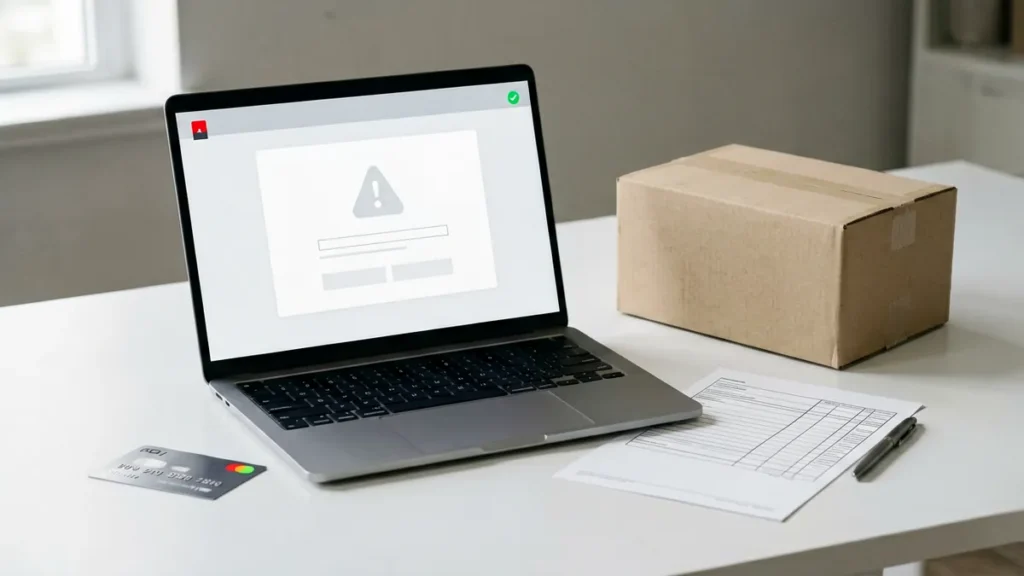
If a payment attempt fails or no Rovqenx order confirmation appears, do not immediately submit the same order again. First check whether an order record exists, whether your bank shows a pending or completed transaction, and whether a confirmation message was filtered or delayed. If the result is still unclear, use the private contact page with the minimum details needed to identify the attempt. Never send card numbers, security codes, identity documents or online banking credentials in a support message.
This guide is for Australian adults aged 18 or over. It explains how to reconcile an unclear checkout result without assuming that an order was accepted, declined or charged twice. It does not describe a guaranteed payment outcome, because bank, browser and checkout statuses can differ.
1. Stop before retrying the checkout
A failed-looking screen does not always prove that no order was created. A browser can time out, a confirmation page can fail to load, or a transaction can remain pending while systems update. Repeating the checkout before checking can create two order attempts.
Keep the browser message or take a screenshot that excludes sensitive payment information. Note the approximate Sydney time of the attempt and the email address used for the order. Do not refresh repeatedly or submit another payment while the first result is unresolved.
2. Check for a Rovqenx order record
Look for an order confirmation email, including spam or junk folders. If you used an account, open My Account and check whether an order appears. If an order number exists, record it. An order record is the most useful reference for support, but it does not by itself guarantee acceptance.
The Rovqenx Terms and Conditions state that submitting an order does not guarantee acceptance. An order may be declined or cancelled when age, location, availability, pricing, security or legal requirements cannot be satisfied. That is different from a browser simply failing to display confirmation.
3. Check the transaction status without sharing card details
Review your bank or payment provider using its official app, website or contact channel. A transaction may appear as pending, completed, reversed or absent. These labels are controlled by the financial provider, so contact that provider if you need an explanation of its status.
Keep a note of the transaction date, approximate time and amount. Do not send a full card number, expiry date, security code, online banking password, one-time code or a screenshot that exposes those details to Rovqenx support. The live Privacy Policy says not to include payment details, identity documents or unrelated sensitive information in a general support message.
4. Match the cart to the intended product before any new attempt
If checks confirm that no order was created and no transaction is pending or completed, return to the current cart rather than relying on an earlier screen. Confirm the complete product title, quantity and current amount. Prices, stock indicators and catalogue information can change, so the current product and cart pages are the records to review at order time.
The guide on what to check before paying for an online tobacco order provides the full pre-payment checklist, including the exact product record, delivery eligibility and current policies.
5. Contact Rovqenx when the result remains unclear
Use the private Rovqenx contact page if an order record, confirmation message and payment status do not agree. Include only:
- the order number, if one was created;
- the email address used for the order;
- the approximate date and time of the attempt;
- the amount shown, without card or bank credentials;
- a concise description of the message or missing confirmation; and
- whether the provider currently shows the transaction as pending, completed, reversed or absent.
Ask support to confirm whether an order record exists before you retry. The contact page specifically says not to submit card details, identity documents or unrelated personal history.
Payment failure, order decline and cancellation are different
A payment screen that fails, an order that is declined and an accepted order that is later cancelled are separate situations. If Rovqenx has already notified you that an order was declined or cancelled, follow the dedicated guide on what to do when an online tobacco order is declined or cancelled. For an unclear checkout result, reconcile the order record and transaction status first.
Quick checklist before retrying
- Stop and avoid submitting the same cart again.
- Check email, junk folders and My Account for an order number.
- Check the official bank or payment-provider status.
- Record the time and amount without exposing sensitive credentials.
- Contact Rovqenx privately if the records do not agree.
- Retry only after you have established that no order or unresolved transaction exists.
Next step: if the checkout result remains unclear, open the Rovqenx contact page and ask whether an order record exists, using the order number if available and excluding all card, security-code and online-banking details.
Adults 18+ only. Rovqenx ordering is restricted to eligible Australian adults. Tobacco contains nicotine, which is addictive, and smoking causes serious health risks. This support article does not encourage tobacco use.